
Baby portrait
A focused single-subject image for the clearest look at the imagined young pet.
Three ways to tell their story
Start with real pet photos, then choose the format that fits your idea: one tiny portrait, a playful group, or the whole imagined family.
What this page does
PawMaybe guides the creative brief with your uploads and a small set of useful choices. You do not need to write an AI prompt or describe every marking from scratch.
Select dog or cat, a young age, a scene, and the result format. That structure keeps the experience centered on recognizable pet-inspired keepsakes rather than generic animal art.
Add one required pet photo and an optional second pet photo.
Select a single baby, litter, or family portrait plus a scene.
See the generated direction first, then decide whether to unlock the finished result.
A focused single-subject image for the clearest look at the imagined young pet.
A playful multi-subject composition inspired by the same pet references.
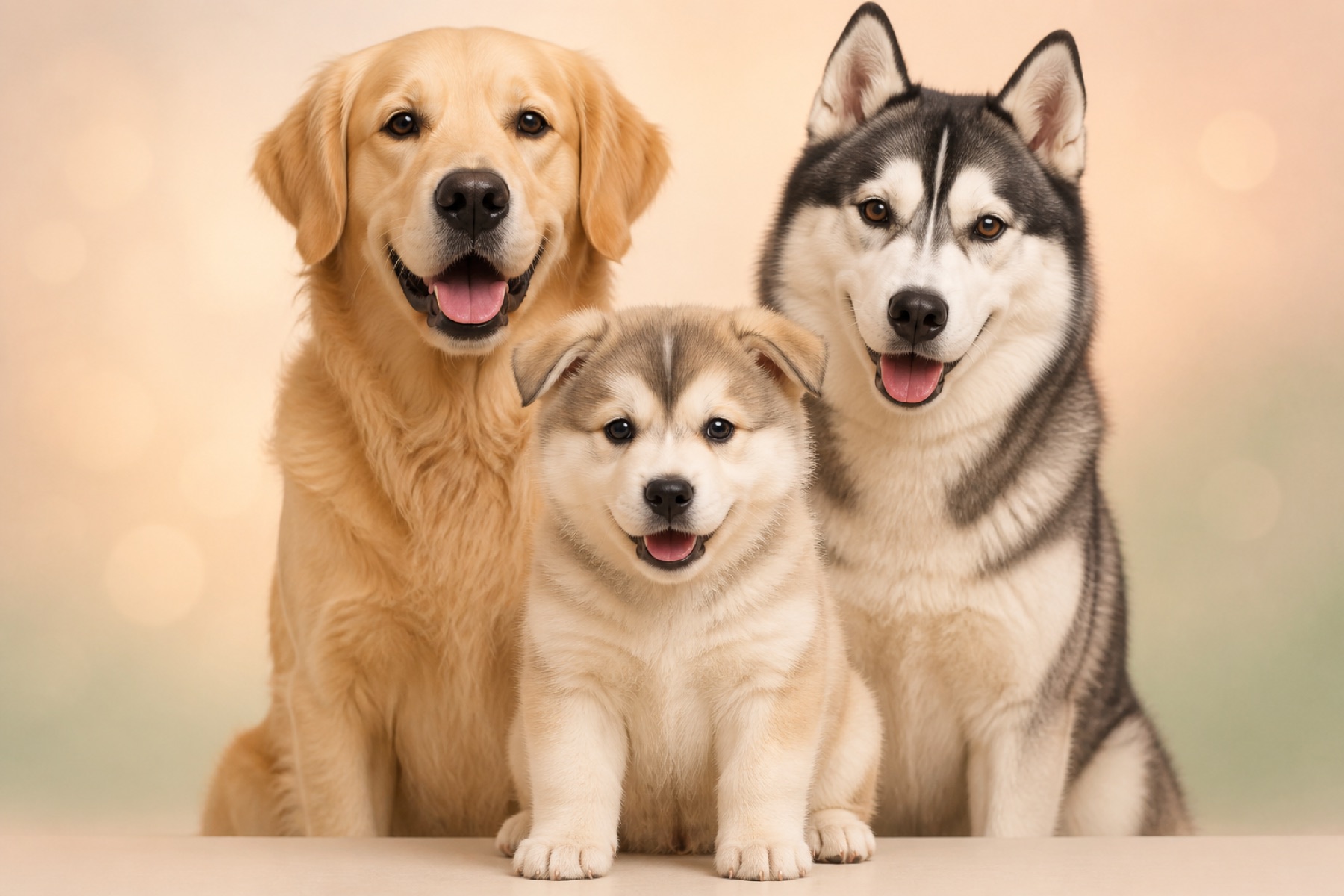
A wider pets-only scene that keeps the source pets and adds fictional babies.
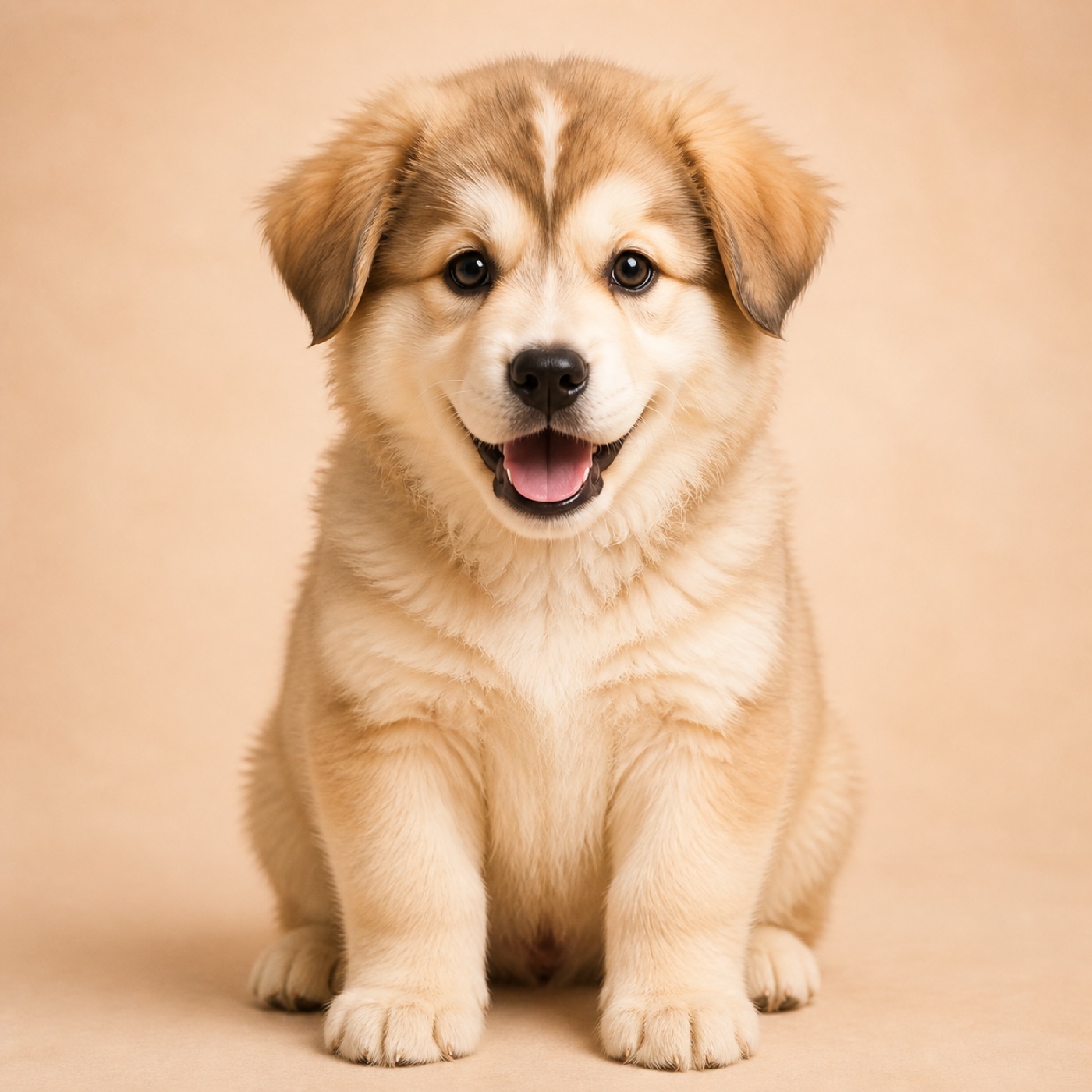
A close, character-led image with coat and face cues drawn from the uploads.
A wider keepsake composition designed around togetherness rather than a simple morph.
PawMaybe creates fictional AI artwork for entertainment. Results are visual ideas, not DNA, breeding, health, or temperament forecasts.
The guided choices and image direction are currently built for dogs and cats.
The output is newly generated; it can echo visible cues without reproducing every marking exactly.
The experience uses structured choices so you can create without sharing a personal story or pet name.
No. PawMaybe turns your photo and selected options into the creative brief.
Choose baby for one clear portrait, litter for a playful group, or family to include the source pets in a wider scene.
No. Uploading a source photo does not publish it to a public gallery or SEO page.